![Icon-Wordmark-50px-Sorbet-3.png]](https://help.gethovr.com/hs-fs/hubfs/Icon-Wordmark-50px-Sorbet-3.png?height=40&name=Icon-Wordmark-50px-Sorbet-3.png)
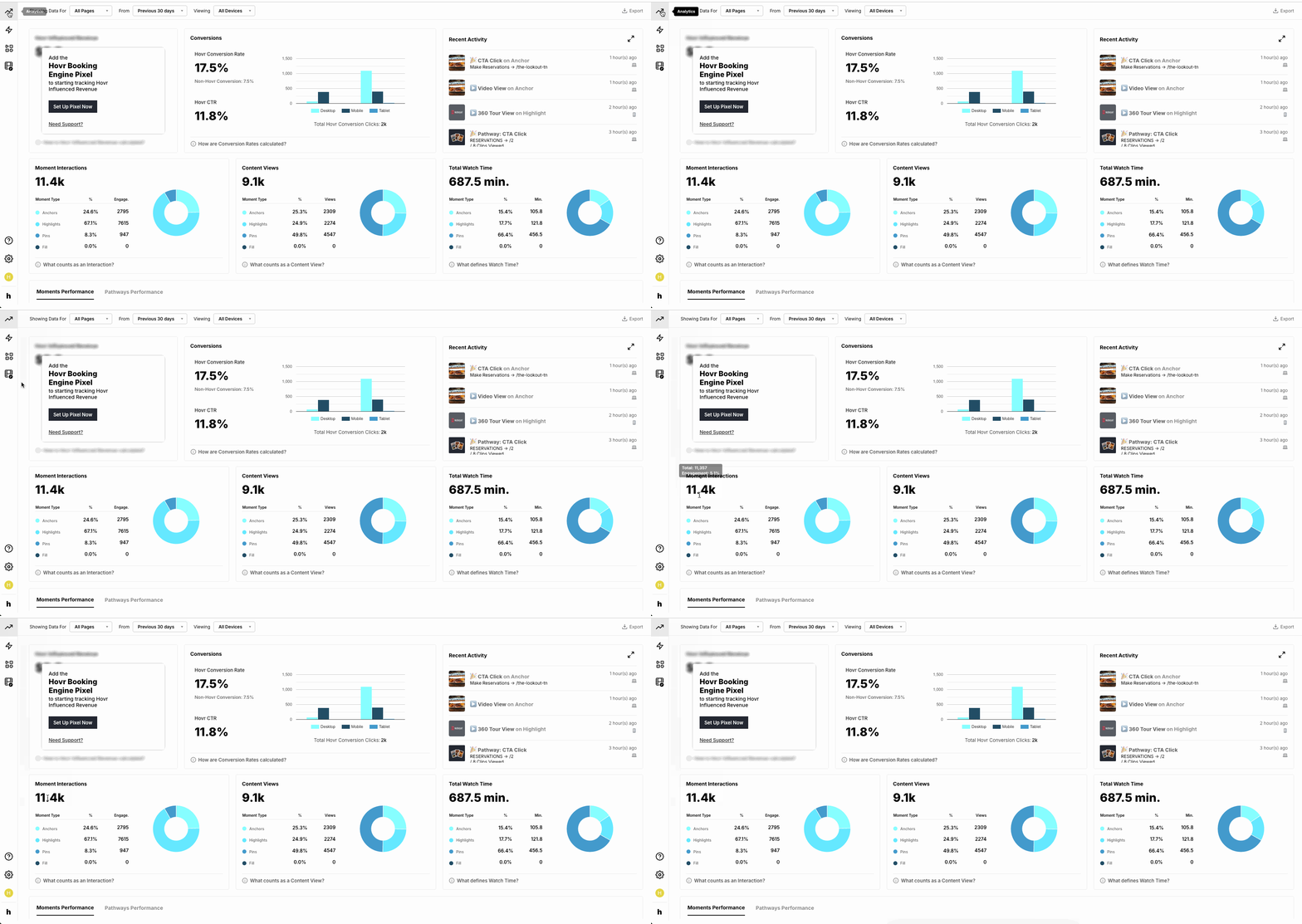
- From within the “Analytics Dashboard”
- Navigate to the second row, first tile labeled “Moment Interactions”
- In the “Moment Interactions” tile, hover over the “Moment Interactions” number
- You will see the “Engagement” percentage listed under “Total”
Congrats! You now know where to go to view your Engagement percentage!