![Icon-Wordmark-50px-Sorbet-3.png]](https://help.gethovr.com/hs-fs/hubfs/Icon-Wordmark-50px-Sorbet-3.png?height=40&name=Icon-Wordmark-50px-Sorbet-3.png)
-
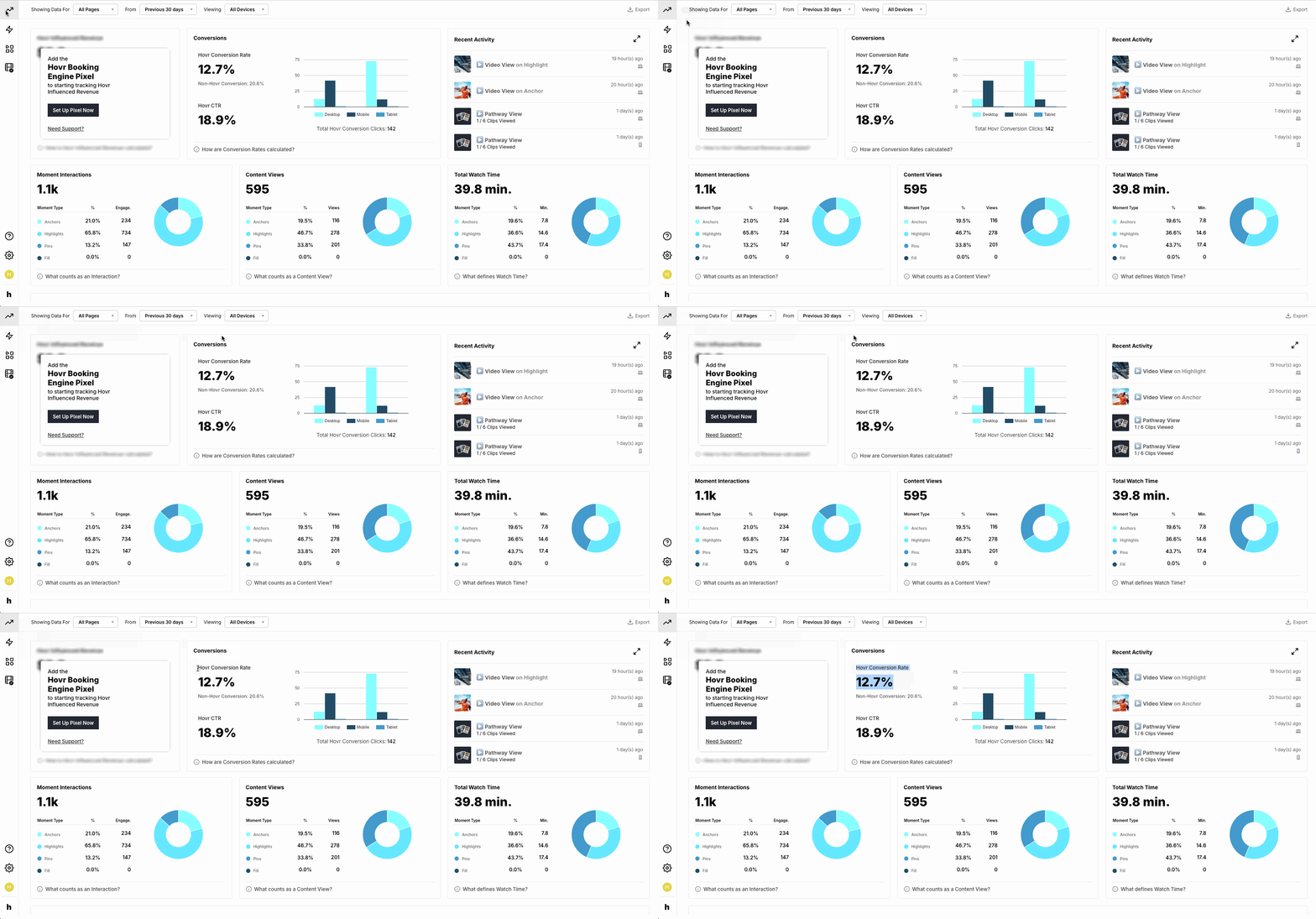
From within the “Analytics Dashboard”
-
Navigate to the first row, second tile labeled “Conversions”
-
In the “Conversions” tile find “Hovr Conversion Rate”
-
You will see a percentage that reflects your Hovr's conversion performance for the given date range
That's it! You’ve located the Hovr conversion rate in your analytics dashboard!