![Icon-Wordmark-50px-Sorbet-3.png]](https://help.gethovr.com/hs-fs/hubfs/Icon-Wordmark-50px-Sorbet-3.png?height=40&name=Icon-Wordmark-50px-Sorbet-3.png)
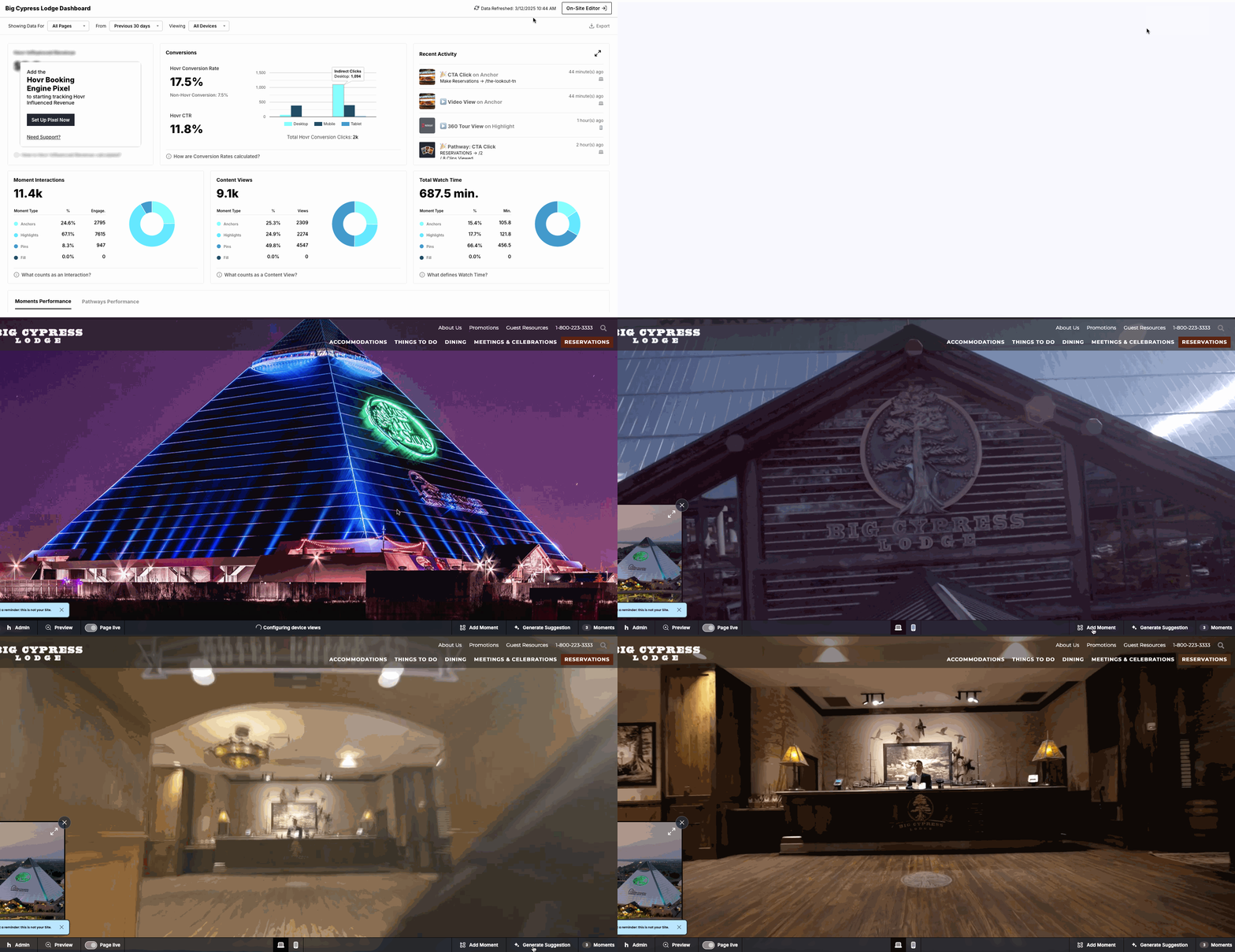
- From within the “Analytics Dashboard” or anywhere within the Admin, navigate to the top right corner
- Click on the “On-Site Editor” button
- It will take you to your website and will see the “Admin Bar” at the bottom
- From here, you can “Add Moment” or edit existing Moments on the page