- From within the “Analytics Dashboard”
- Navigate to the “Moments Performance” section at the bottom of the analytics dashboard
- In the “Moments Performance” section, navigate to “Stories Performance” tab
- Click “Stories Performance” tab
- You will be then be able to view all “Story Performance” on your site
We’re super proud! You can view the performance of your stories whenever you want!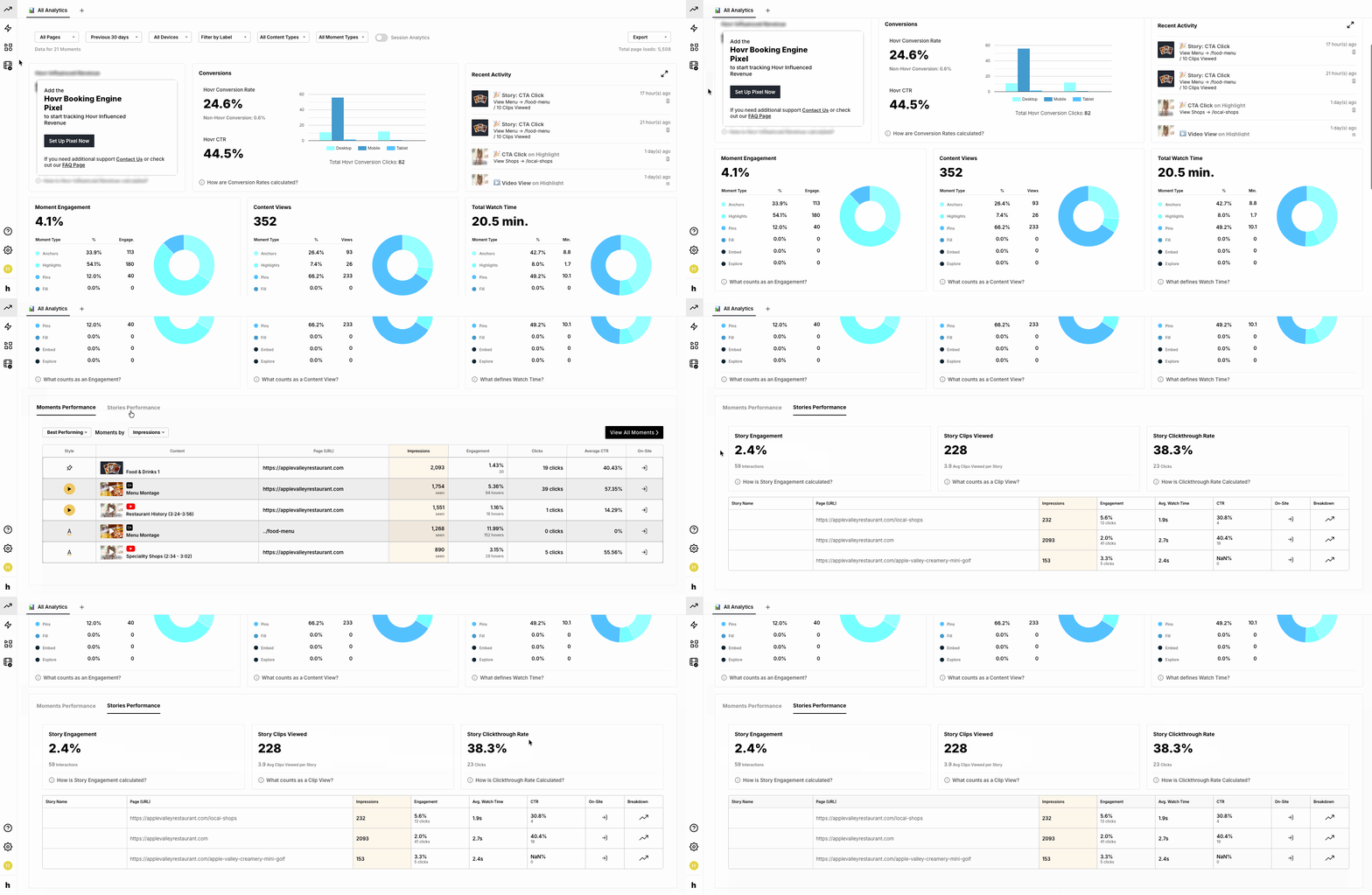
English
![Icon-Wordmark-50px-Sorbet-3.png]](https://help.gethovr.com/hs-fs/hubfs/Icon-Wordmark-50px-Sorbet-3.png?height=40&name=Icon-Wordmark-50px-Sorbet-3.png)