![Icon-Wordmark-50px-Sorbet-3.png]](https://help.gethovr.com/hs-fs/hubfs/Icon-Wordmark-50px-Sorbet-3.png?height=40&name=Icon-Wordmark-50px-Sorbet-3.png)
There are two places you can submit a help ticket to the Hovr team. You can submit a ticket from the organization view and while in the Hovr admin
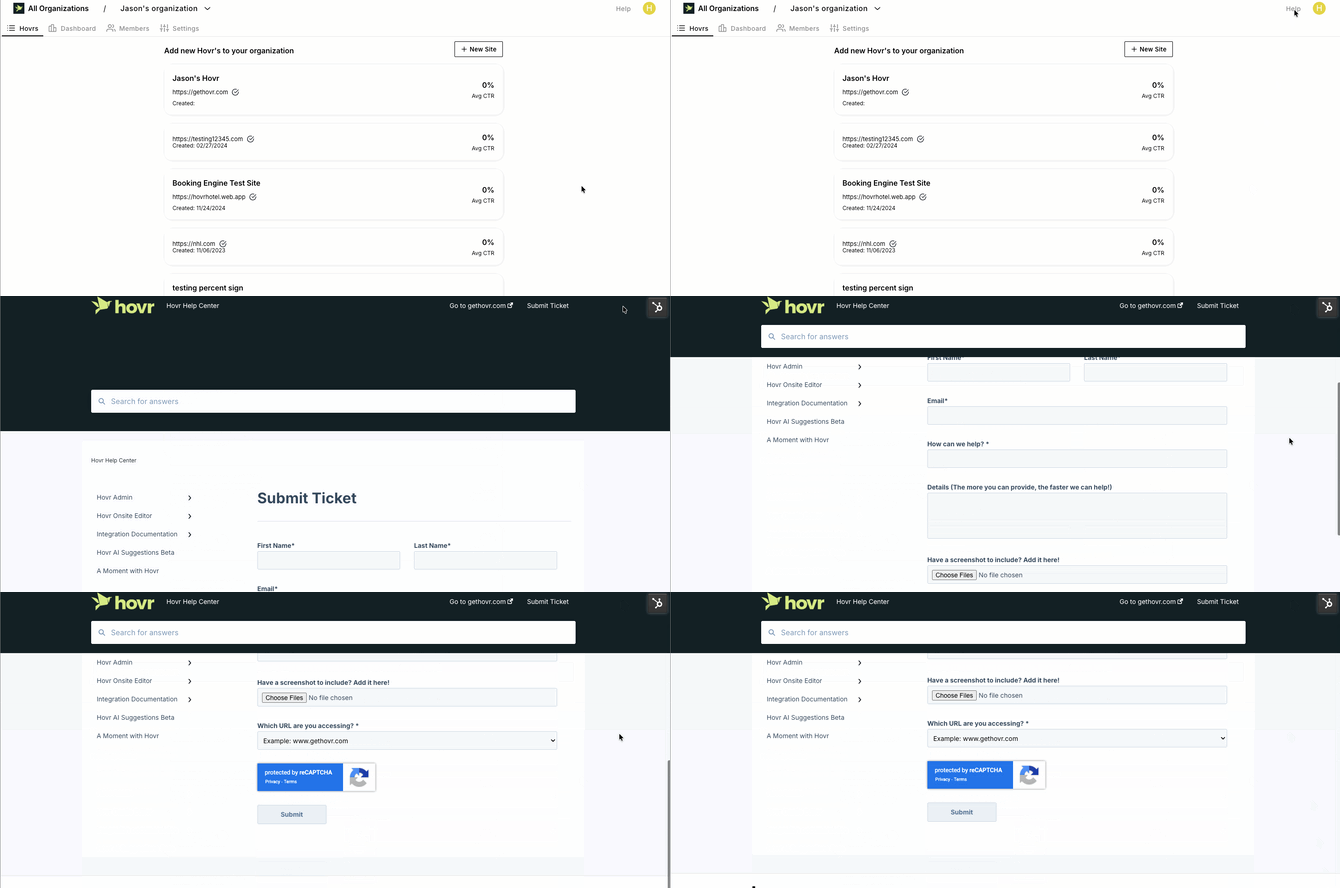
From the Organization View
- While in the “Organization View”, navigate to the top right corner
- Click on the word “Help”
- You will automatically be redirected to “Submit a TicketFrom the Hovr Admin View
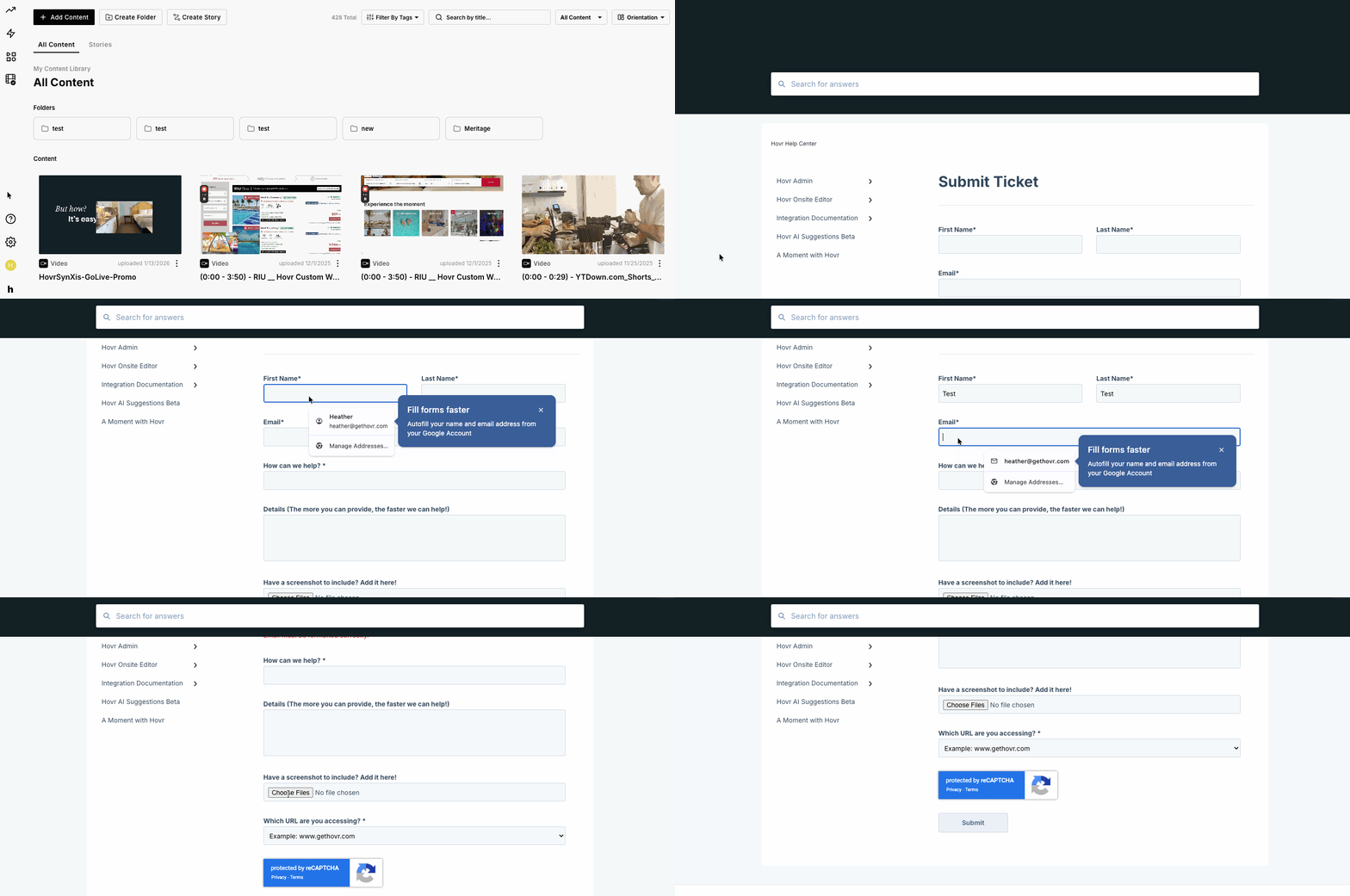
From the Hovr Admin
- While in the “Hovr Admin”, navigate to the bottom left to the vertical bar
- Locate the “Question Mark”
- When you hover over it a menu will appear
- Click on “Submit a Ticket”
- You will automatically be redirected to “Submit a TicketFrom the Hovr Admin View