![Icon-Wordmark-50px-Sorbet-3.png]](https://help.gethovr.com/hs-fs/hubfs/Icon-Wordmark-50px-Sorbet-3.png?height=40&name=Icon-Wordmark-50px-Sorbet-3.png)
You can customize the expanded (engaged) state of your Fill either while creating a new Fill or by editing an existing one later.
- After saving your Launch Button Style, you'll be taken to the Engaged State Styles step.
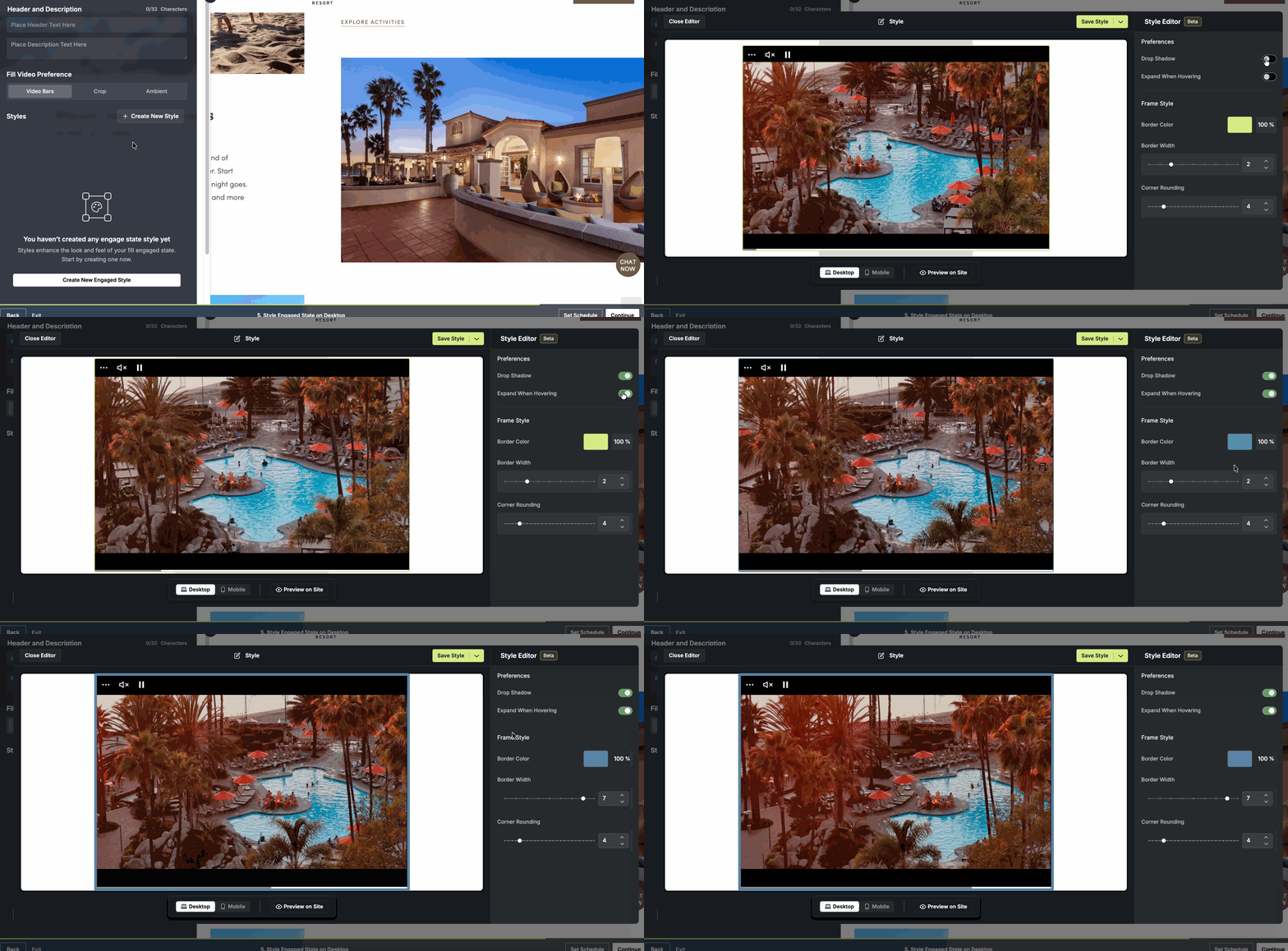
- Select Create New Style to customize the expanded state of your Fill.
- From here, you can configure:
- Drop Shadow
- Expand on Hover
- Frame Border Styles
- Once you've finished customizing your settings, select Save Style to apply your changes.