![Icon-Wordmark-50px-Sorbet-3.png]](https://help.gethovr.com/hs-fs/hubfs/Icon-Wordmark-50px-Sorbet-3.png?height=40&name=Icon-Wordmark-50px-Sorbet-3.png)
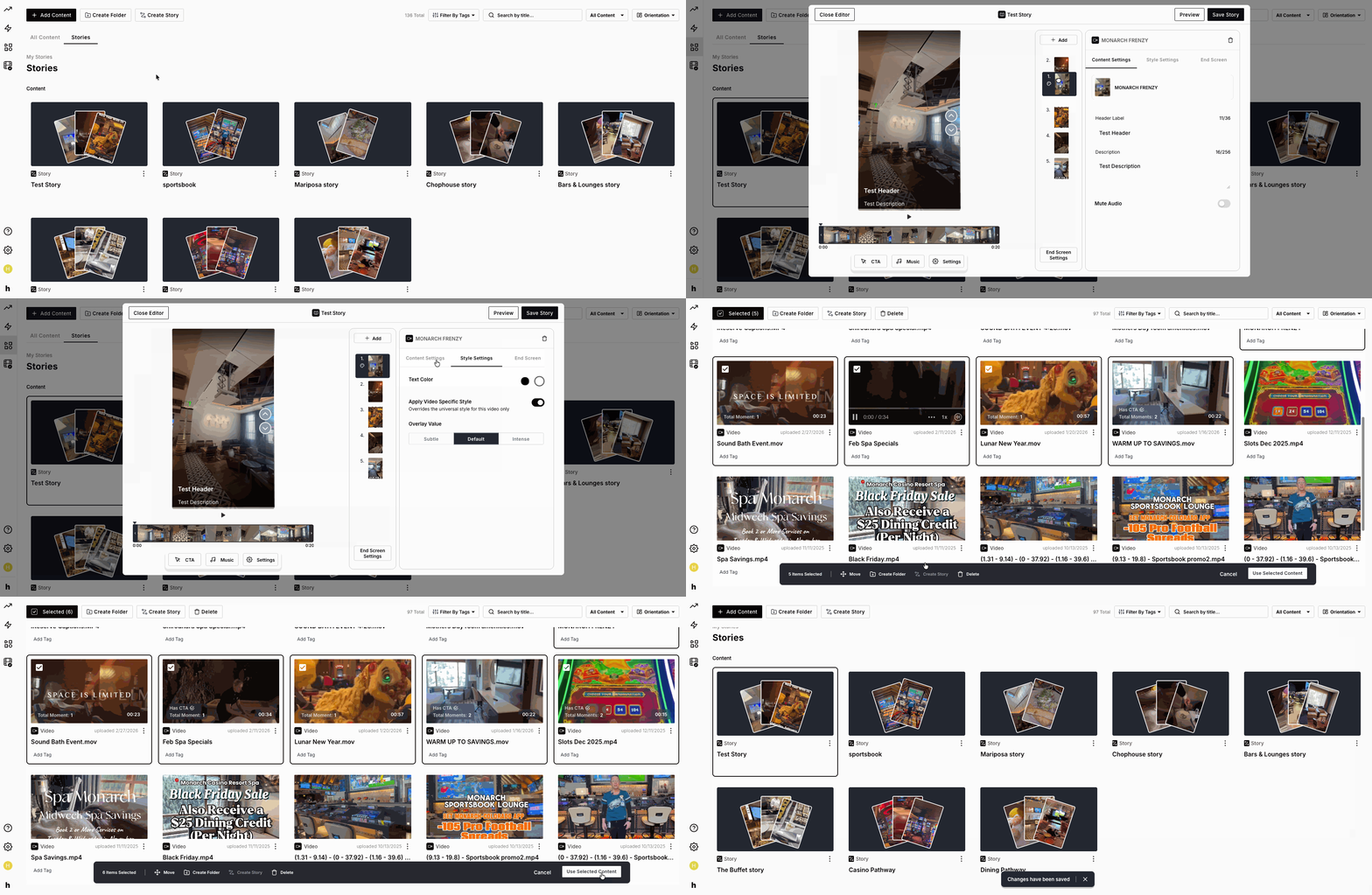
To edit a Story:
- Go to your Content Library and click on “Stories” toward the top left of your screen
- Next, click on the Story you would like to edit
- The side panel will then expand with options to edit the content within the Story, add tags, and/or swap the CTA
- Once your adjustments have been made select “Save Story”